Jump to content
View in the app

A better way to browse. Learn more.

Boss协会

A full-screen app on your home screen with push notifications, badges and more.

To install this app on iOS and iPadOS
  1. Tap the Share icon in Safari
  2. Scroll the menu and tap Add to Home Screen.
  3. Tap Add in the top-right corner.
To install this app on Android
  1. Tap the 3-dot menu (⋮) in the top-right corner of the browser.
  2. Tap Add to Home screen or Install app.
  3. Confirm by tapping Install.
本站临时取消注册时电子邮件验证,方便部分会员注册。

李长超-Global Procurement Dir

Members
  • Joined

  • Last visited

Files posted by 李长超-Global Procurement Dir

  1. 采购之如何进行价格分析与谈判ppt资料分享
    • Free
    • 2 Downloads
    Submitted
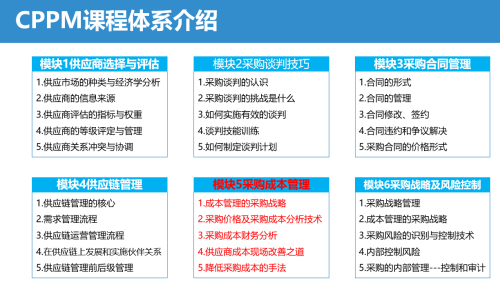
  2. 采购培训资料之采购成本管理ppt资料分享
    • Free
    • 0 Downloads
    Submitted
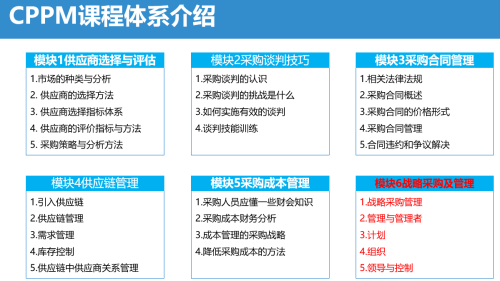
  3. 采购培训资料之采购管理战略ppt资料分享
    • Free
    • 1 Downloads
    Submitted
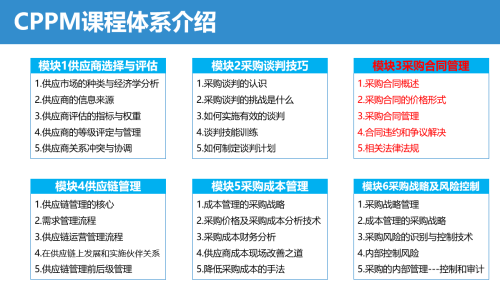
  4. 采购培训资料之采购合同管理ppt资料分享
    • Free
    • 0 Downloads
    Submitted
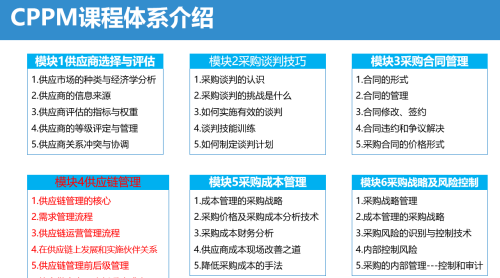
  5. 采购培训资料之供应链管理ppt资料分享
    • Free
    • 0 Downloads
    Submitted
  6. 采购培训资料之采购谈判技巧ppt分享
    • Free
    • 0 Downloads
    Submitted
  7. 采购培训资料之供应商选择评估PPT资料分享
    • Free
    • 1 Downloads
    Submitted
  8. 企业采购价格和成本管理培训ppt资料分享---续
    • Free
    • 0 Downloads
    Submitted
  9. 采购价格与成本管理ppt培训资料分享
    • Free
    • 0 Downloads
    Submitted
  10. 企业采购价格分析与成本降低技巧资料分享
    • Free
    • 1 Downloads
    Submitted
  11. 企业采购成本分析方式详解资料分享
    • Free
    • 0 Downloads
    Submitted

Configure browser push notifications

Chrome (Android)
  1. Tap the lock icon next to the address bar.
  2. Tap Permissions → Notifications.
  3. Adjust your preference.
Chrome (Desktop)
  1. Click the padlock icon in the address bar.
  2. Select Site settings.
  3. Find Notifications and adjust your preference.