Skip to content
View in the app

A better way to browse. Learn more.

Boss协会

A full-screen app on your home screen with push notifications, badges and more.

To install this app on iOS and iPadOS
  1. Tap the Share icon in Safari
  2. Scroll the menu and tap Add to Home Screen.
  3. Tap Add in the top-right corner.
To install this app on Android
  1. Tap the 3-dot menu (⋮) in the top-right corner of the browser.
  2. Tap Add to Home screen or Install app.
  3. Confirm by tapping Install.

体系老王

Members
  • Joined

  • Last visited

Files posted by 体系老王

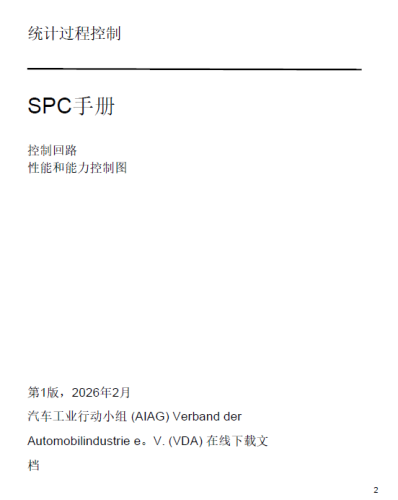
  1. AIAG-VDA-SPC-2026年2月发布-黄色卷中文版分享,
    • Free
    • 19 Downloads
    Updated
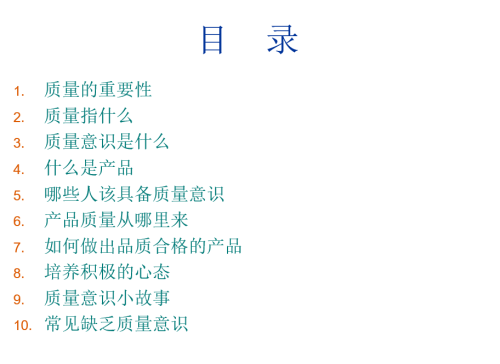
  2. 质量意识培训PPT课件分享
    • Free
    • 6 Downloads
    Submitted
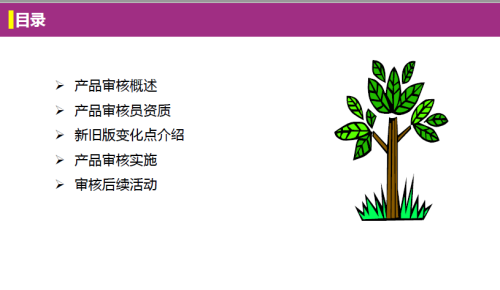
  3. VDA6.5产品审核-培训课件分享
    • 2.00 CNY
    Submitted
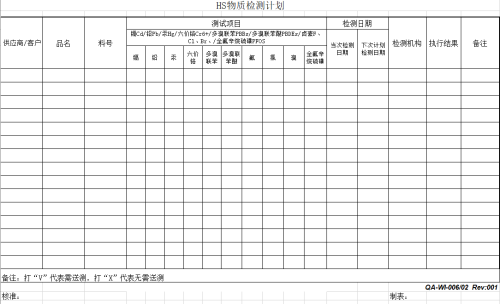
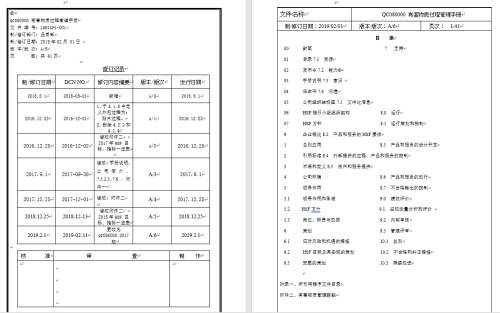
  4. HSF三四级文件+excel表单分享
    • 2.00 CNY
    • 1 Purchases
    • 1 Downloads
    Submitted
  5. QC 080000整套体系文件分享

    • 1.99 CNY
    Submitted
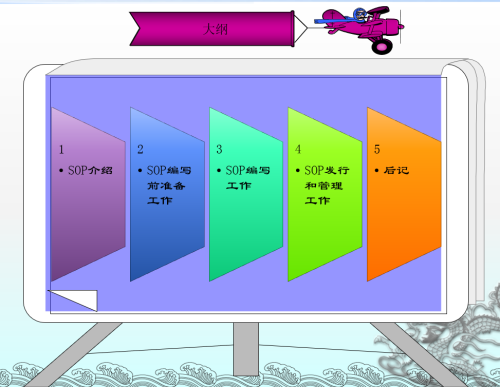
  6. SOP编制方法和技巧培训资料分享ppt
    • 5.00 CNY
    Submitted
  7. IATF16949审核员指南(第五版),本来设置的付费的,但想了想,没有必要,改成免费分享给大家了;
    • Free
    • 92 Downloads
    • 3 Comments
    Updated
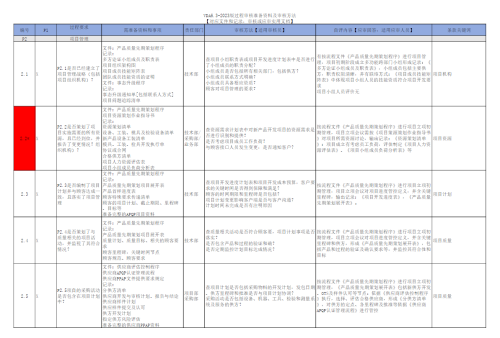
  8. VDA6.3-2023版过程审核准备资料及审核方法
    • Free
    • 23 Downloads
    Submitted
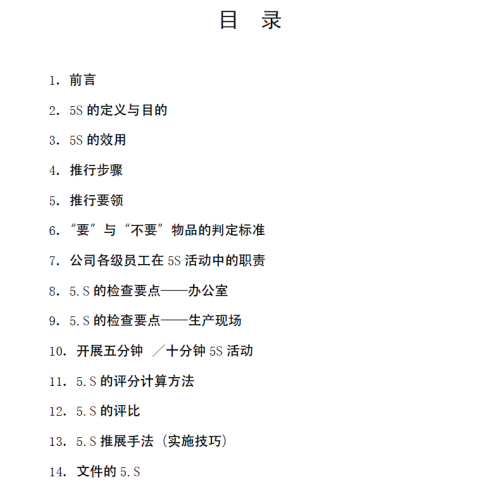
  9. 绝对实用的5S推行手册资料分享
    • 3.00 CNY
    Updated
  10. ISO9001质量管理体系培训资料分享
    • 3.00 CNY
    Updated
  11. ISO22000内审技巧资料总结分享
    • 5.00 CNY
    Updated
  12. ISO22000基础知识培训资料分享
    • Free
    • 2 Downloads
    Submitted
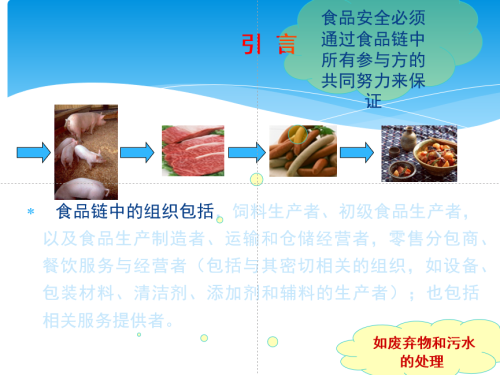
  13. ISO22000标准理解培训资料分享
    • Free
    • 1 Downloads
    Submitted
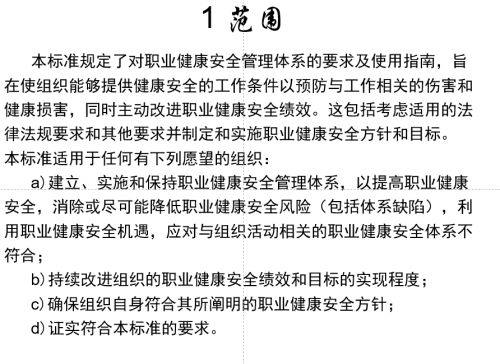
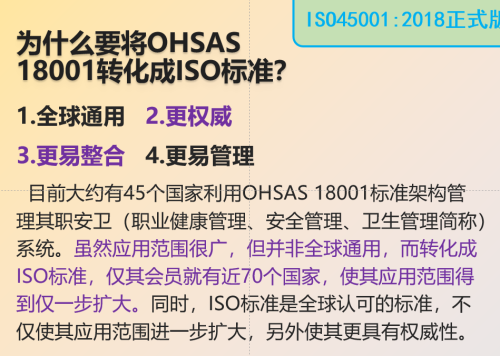
  14. ISO45001:2018职业健康安全管理体系标准培训资料分享
    • Free
    • 6 Downloads
    Submitted
  15. ISO45001-2018职业健康安全管理体系标准内审员培训教材分享
    • Free
    • 3 Downloads
    Submitted
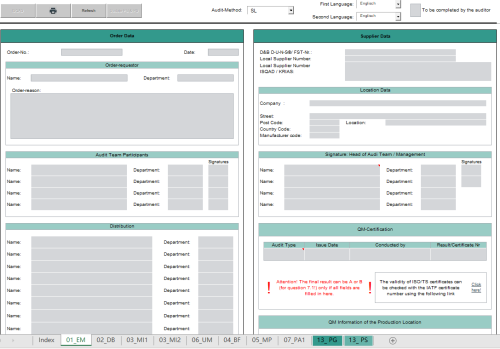
  16. Formblatt_fuer_Selbstaudit_SL_4.0_DE_EN 多语言可编辑版excel文档分享
    • 3.00 CNY
    Updated
  17. 《狼性管理在华为》扫描版(下册)书籍扫描pdf版分享
    • 2.00 CNY
    Updated
  18. 《狼性管理在华为》扫描版(上册)书籍扫描pdf版分享
    • 2.00 CNY
    Updated
  19. 狼性管理在华为》扫描版(中册)书籍扫描pdf版分享
    • 1.99 CNY
    Updated

Account

Navigation

Search

Search

Configure browser push notifications

Chrome (Android)
  1. Tap the lock icon next to the address bar.
  2. Tap Permissions → Notifications.
  3. Adjust your preference.
Chrome (Desktop)
  1. Click the padlock icon in the address bar.
  2. Select Site settings.
  3. Find Notifications and adjust your preference.